From rugged gear to intuitive app
Specifications
- Design direction
- UX research
- UX/UI
From rugged gear to intuitive app
Specifications
- Design direction
- UX research
- UX/UI
Specifications
Specifications


The work required a new process for an org built around tool inventory patterns. It brought new teams together to shape a lifestyle product with higher user expectations.

The system was built around tool management, not lifestyle needs. This created a gap in patterns for a garment-centered product. Design showed the product needed new patterns, and those patterns challenged existing production workflows.
A new program with distributed teams working in silos. Ambiguity demanded a nimble approach. The work juggled multiple roles, from research to prototyping, to build relationships and align a range of perspectives.
Goals
The goal was to understand how users worked, moved, and relied on Heated Gear in tough conditions. The research combined interviews, taxonomy mapping, journey analysis, and broad testing across pro trades and new buyers. These methods exposed patterns in comfort needs, movement limits, battery use, and interaction points. The work clarified what users expected from a connected garment system and revealed key moments that shaped trust, clarity, and ease.
Findings
Users needed clear feedback, simple control, stable connection, and settings suited for fast, physical tasks. Runtime accuracy, heat clarity, and presets surfaced as core needs. Testing confirmed that users moved between work and personal use, pushing the system toward lifestyle patterns, not tool patterns. These insights shaped principles that reduced friction, improved flow, and supported real conditions.

Users face cold, tight movement, and gear wear in harsh settings. They treat workwear as a tool. It must stay durable, supportive, and steady through long hours and constant motion.

Users focus on heat, comfort, runtime, and durability when choosing gear. Their tasks shift through varied conditions. They rely on products that stay clear, fast, and consistent.

Users move between work and personal settings with the same gear. They expect products that feel reliable and simple, suited for both labor tasks and daily moments without friction.
Competitive landscape

Ralph Lauren's connected garment app blends style and performance. It tracks heart rate, motion, and training intensity. Users get guided workouts, clean dashboards, and adaptive insights that extend the brand's athletic lifestyle.
ReSound's hearing-aid app delivers clear control of volume, sound environments, and custom profiles. Users value quick adjustments, battery visibility, and remote care. The result is a supportive, easy system for everyday hearing needs.
Gerbing's app controls heated workwear with quick pairing, simple temperature presets, and clear battery readouts. It focuses on reliability in tough conditions, giving users fast, confidence-building control of heat zones and power status.
Mapping the experience
Mapped key moments to build empathy
- Coming back after pairing
- Comes back to app with extra battery
- Adding a new garment and battery
Identified and defined critical areas to guide user stories:
- App icon with battery left
- Remaining battery notification
- Re name battery
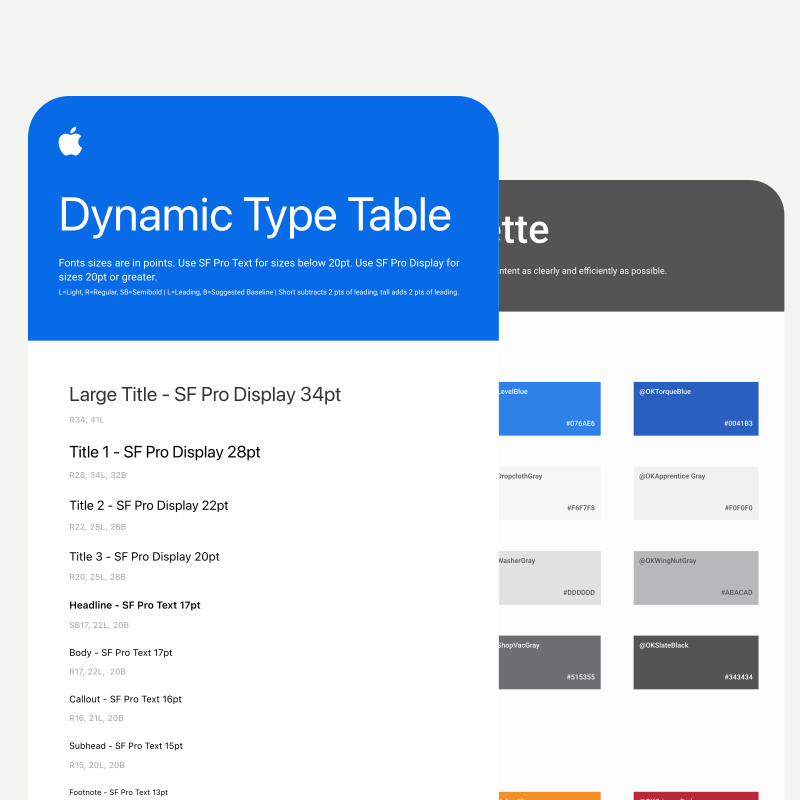
Leveraged the newly built design system:
- Typography
- Colors
- Components
A work and lifestyle garment
It introduces new patterns tuned to lifestyle use, aligns hardware and software flows, and sets the base for a scalable Heated Gear ecosystem.
Pairing
A straightforward flow that guides users through battery and garment connection with clear cues and fewer steps. Built to support fast setup in tough conditions and create confidence from the first interaction.
Home screen
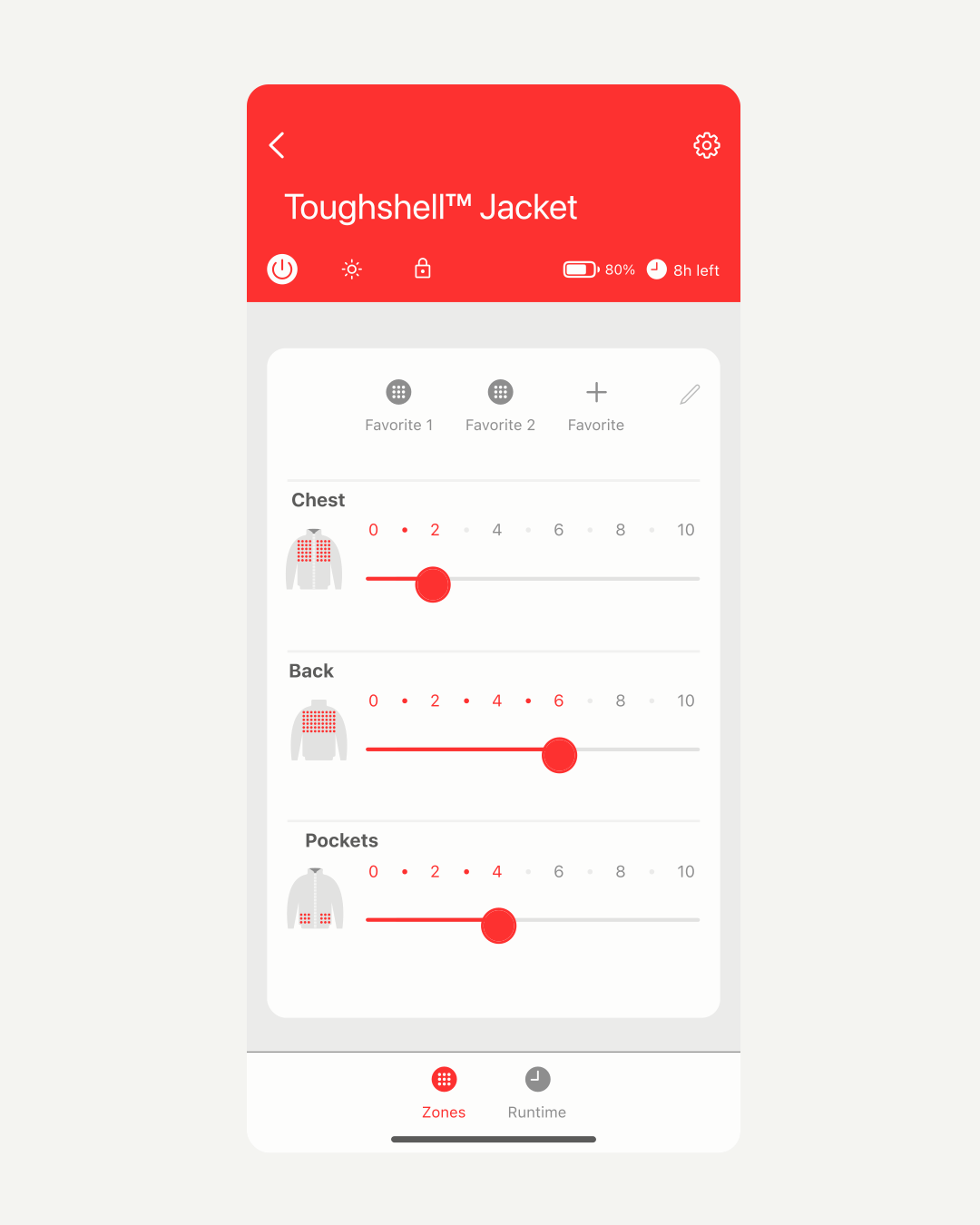
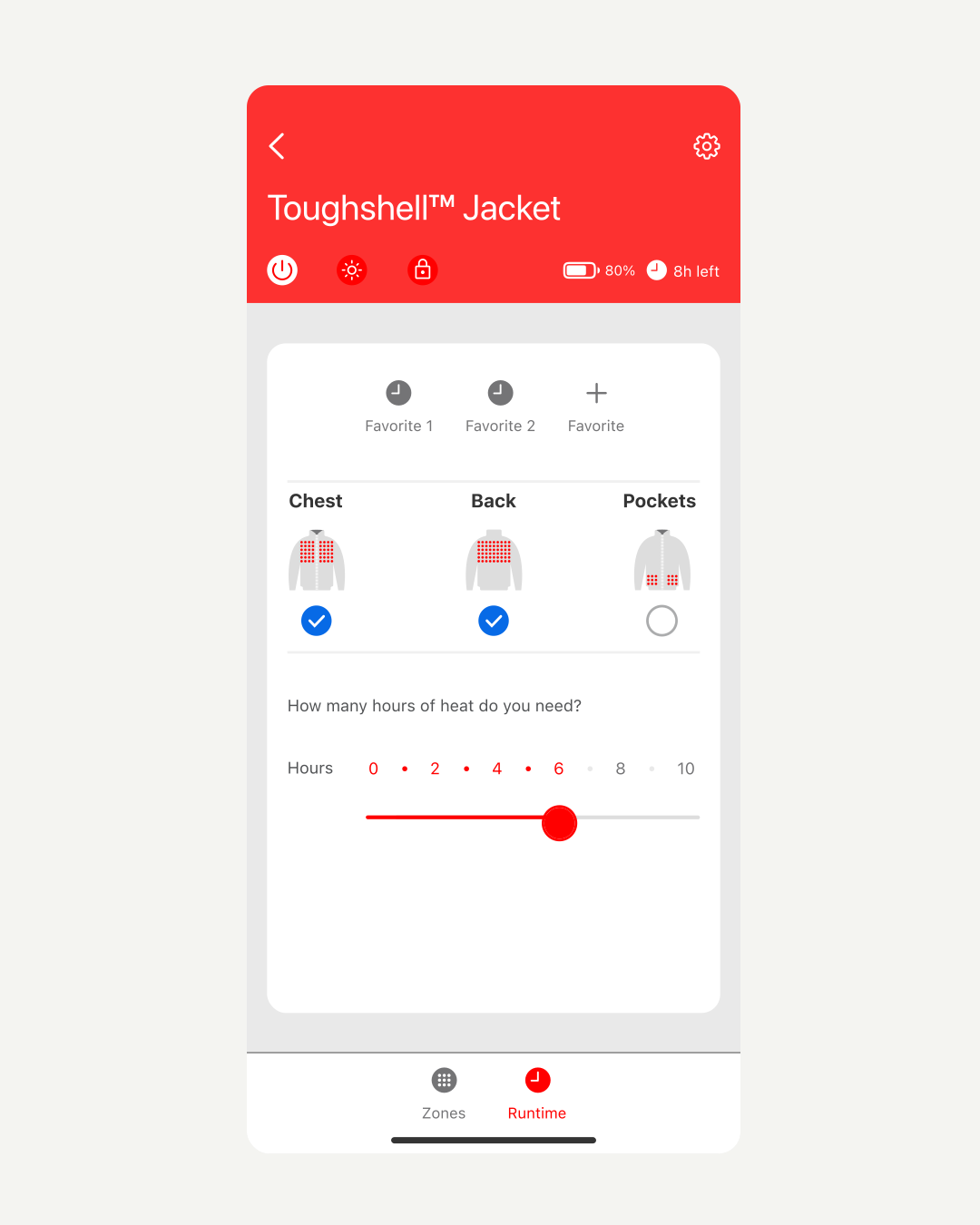
Temperature control
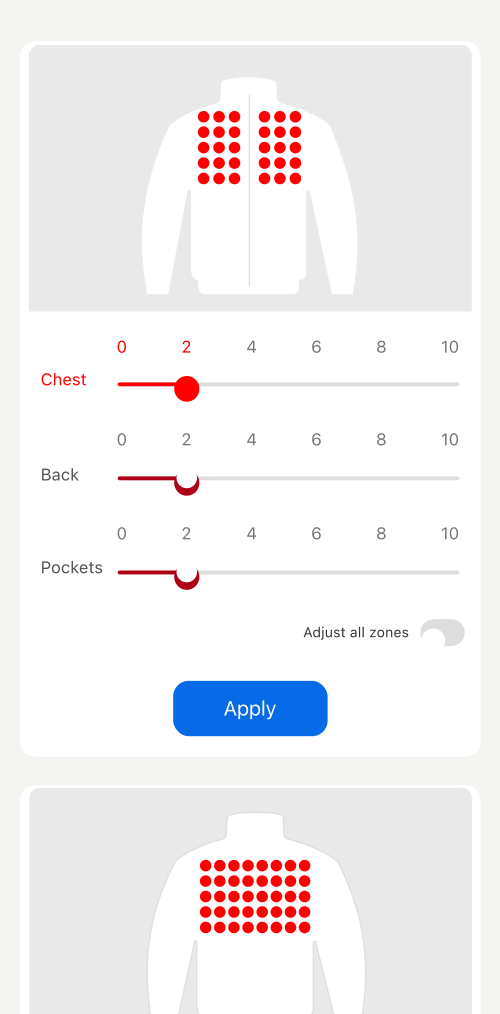
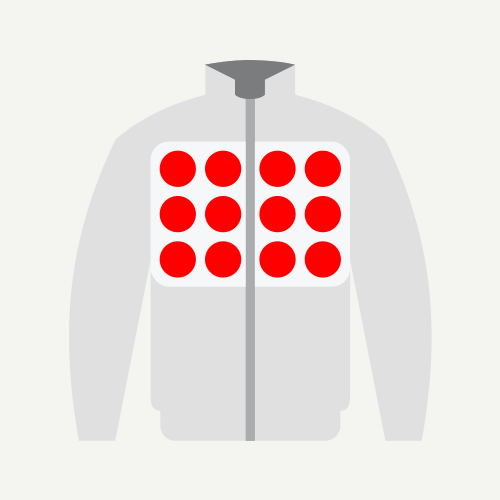
A focused layout that shows zones with strong visual clarity and simple control. Users see what is active, adjust without confusion, and understand how each zone responds during movement and layered use.
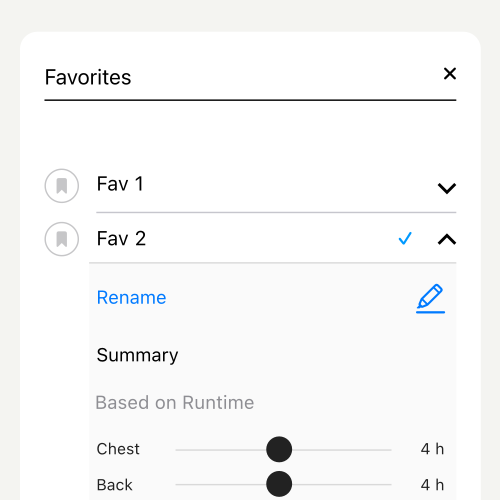
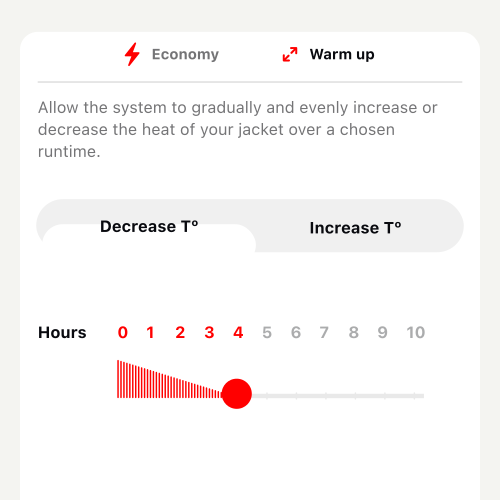
A clear runtime model that sets expectations and removes guesswork. Users see time impact, adjust settings with ease, and rely on feedback that supports long tasks, varied conditions, and shifting activity needs.

Iteration selection


Smart Case creation